Establish the material direction.
Bring your model and reference imagery onto the canvas. Work with material and color libraries to build the product’s appearance.
Explore color, material, and finish on your actual product. Compare the options together, then turn them into a document your team can review.
Free Starter plan · No credit card required
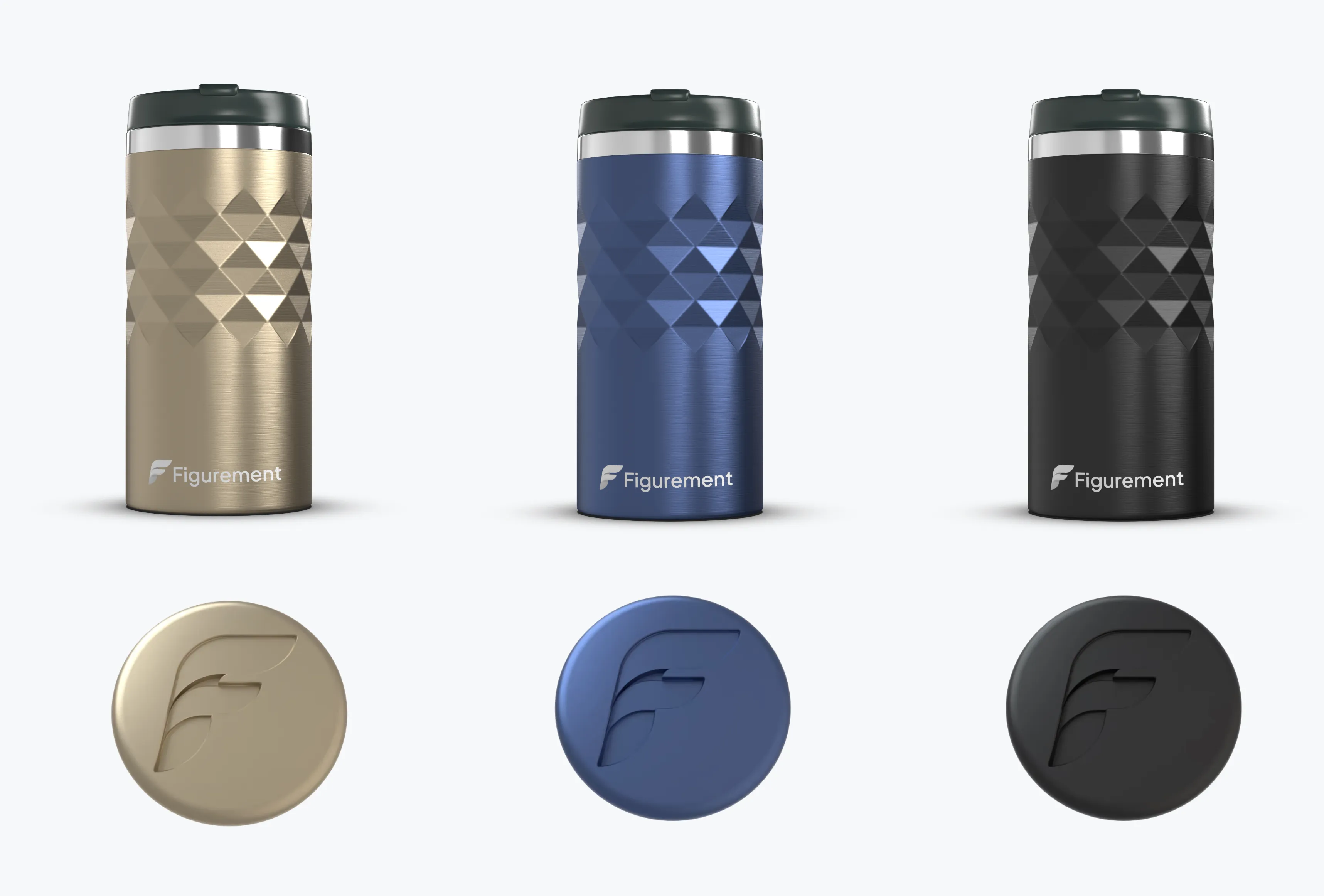
Bring your model and reference imagery onto the canvas. Work with material and color libraries to build the product’s appearance.
Create colorways and compare views side by side. Evaluate a finish in context instead of judging an isolated swatch.
Arrange product views, images, text, and material data into a canvas document. Share the work for review or export a PDF snapshot.
Keep the visual reference, product appearance, and supporting information close together as you develop a CMF direction.
Color, material, and finish: the choices that define how a product looks and feels. Figurement helps you explore and communicate those choices visually.
Figurement’s canvas supports live renders, text, images, and product or material data for CMF documents and tech packs. The information your factory requires still depends on your process and your product.
A PDF is a static export. Use the shared Figurement document for a connected review workflow, and export a new PDF when you need an updated snapshot.
Yes. Shared asset libraries are included in Team. Starter lets you begin exploring materials and colorways before committing to that plan.