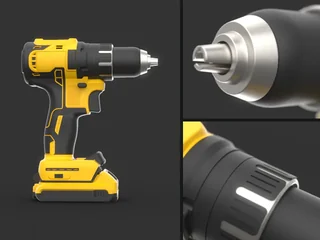



















01 / CAD to render
Make your product look its best.
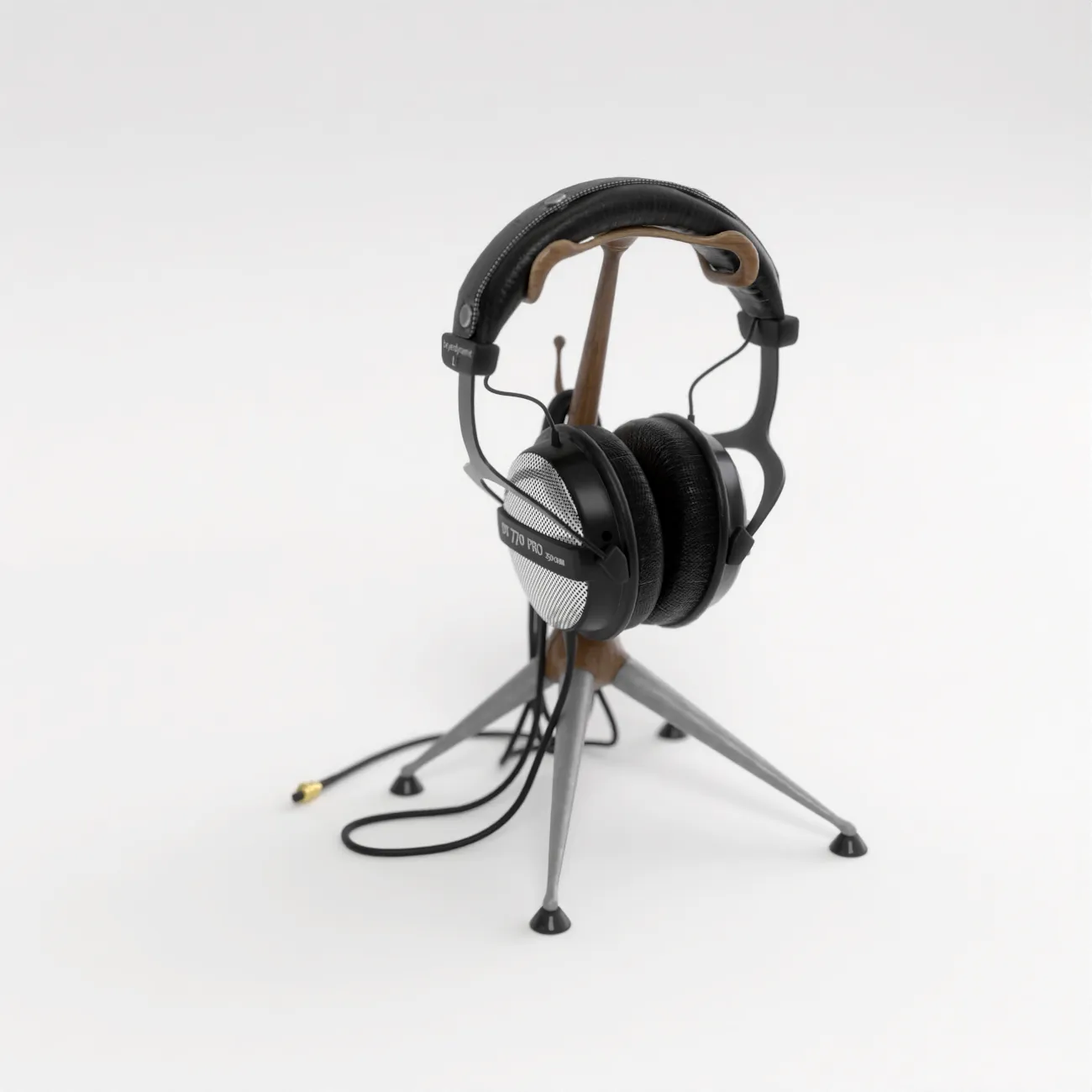
Work from your CAD. Refine materials, lighting, and cameras in the real-time renderer, with cloud rendering for final output.
Explore the workflow ↗























01 / CAD to render
Work from your CAD. Refine materials, lighting, and cameras in the real-time renderer, with cloud rendering for final output.
Explore the workflow ↗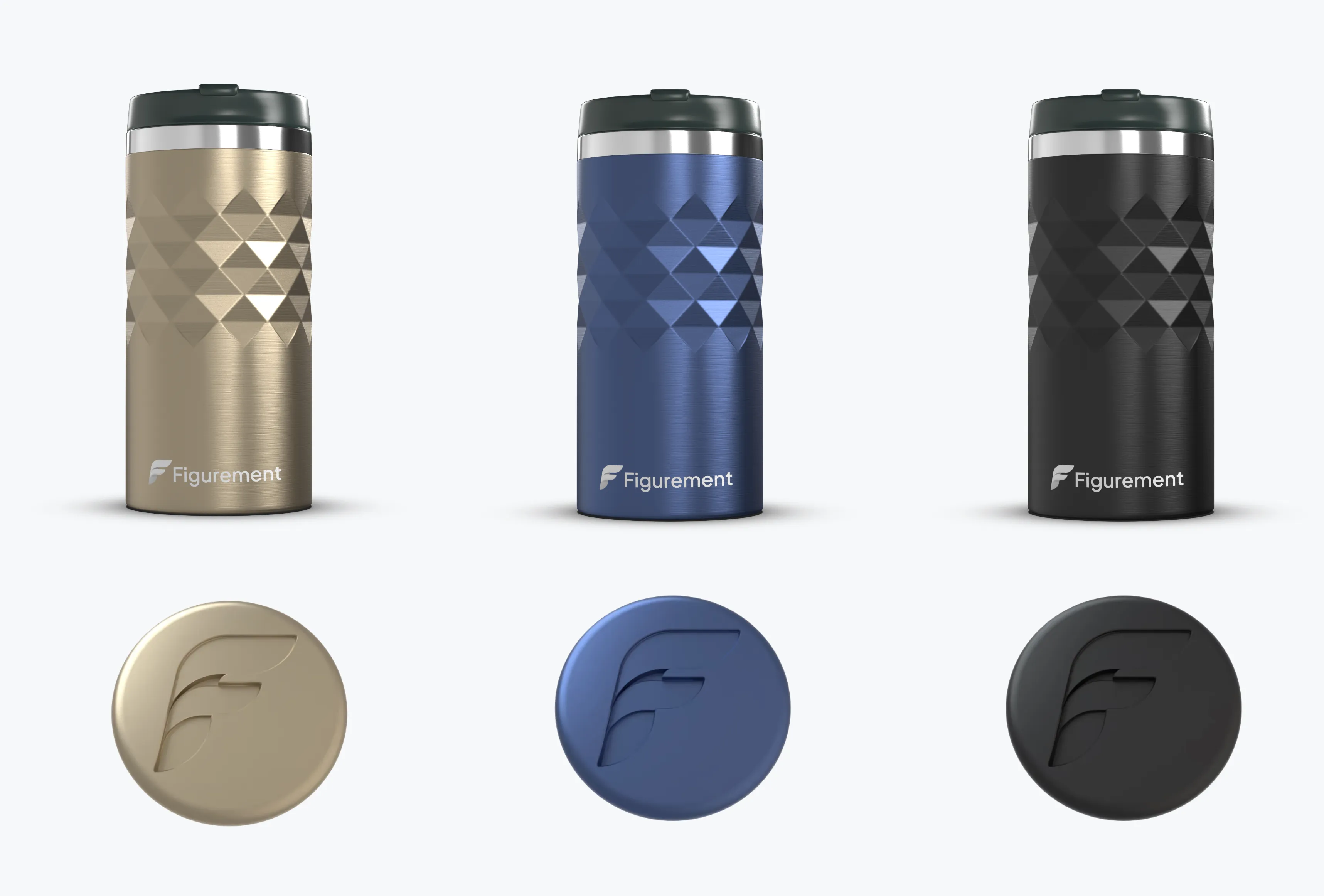
02 / Materials & colorways
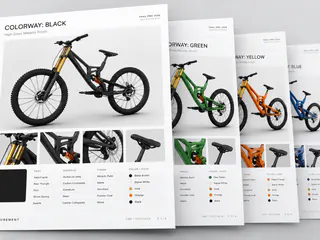
Compare materials and colors side by side. Use AI assistance to make scene changes and explore new imagery.
Explore the workflow ↗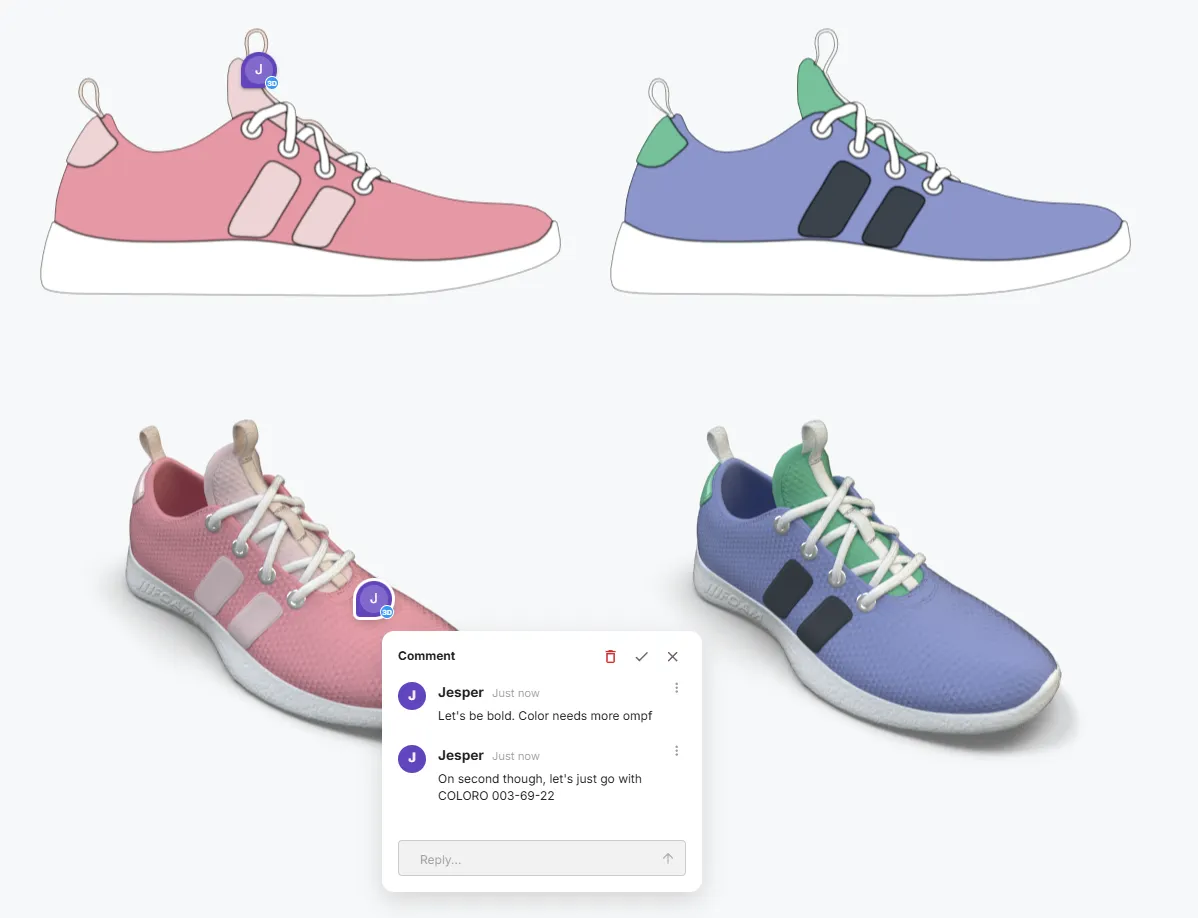
03 / Collaborative review
Share product views, compare options, and leave feedback in context. Build review documents in the same workspace.
Explore the workflow ↗Bring your existing models: STEP · Rhino · FBX · glTF · OBJ · USD
All formats & features ↗Bring references onto the canvas. Pull out a palette. Try another direction with AI. Keep the model and the conversation together.
Set up two views of the same CAD model.
Extract a palette from inspiration and apply it to the product.
Explore a lifestyle image using the render and a reference.
Render and send static images
Export, attach, and wait for feedback buried in an email thread
Share a live scene
Comments land right on the model — no exports, no attachments
Rebuild PDFs for every revision
Static images, dead links, manual setup in a 2D app
Live documents with 3D digital twins
Canvas docs that update the moment the model changes
Manage local libraries
Download textures, broken file paths, version conflicts
Cloud shared libraries
Instant access to team-wide CMF and color standards
Install Executable
Download installer, run it, enter serial code, wait for updates
Open a link
Any device, no install
Starter includes three scenes, real-time and local rendering, scene sharing, CMF workflows, and AI features. No credit card is required to get started.
See current plans and allowances ↗Import supported formats including STEP, Rhino, FBX, glTF, OBJ, STL, 3MF, DXF, and USD. Use a representative product file to evaluate your workflow.
Explore file formats and capabilities ↗Figurement runs in your browser. Real-time rendering uses your device’s graphics hardware, so performance depends on your browser, device, and scene complexity. Cloud rendering is available for final output.
Use the AI assistant to help with material assignment, camera and lighting changes, and scene setup. You can also generate imagery using renders and references. Rendering uses your scene geometry; generated imagery is a separate creative tool.
Explore three scenes on Starter, free. Move to Team for unlimited scenes, shared libraries, and monthly AI and cloud-render credits.