Bring in your model.
Import an existing product model in a supported format. Start with the geometry you already designed.
Turn existing CAD into product visuals you can refine, present, and share. Work on the material, lighting, and camera in one browser workspace.
Free Starter plan · No credit card required
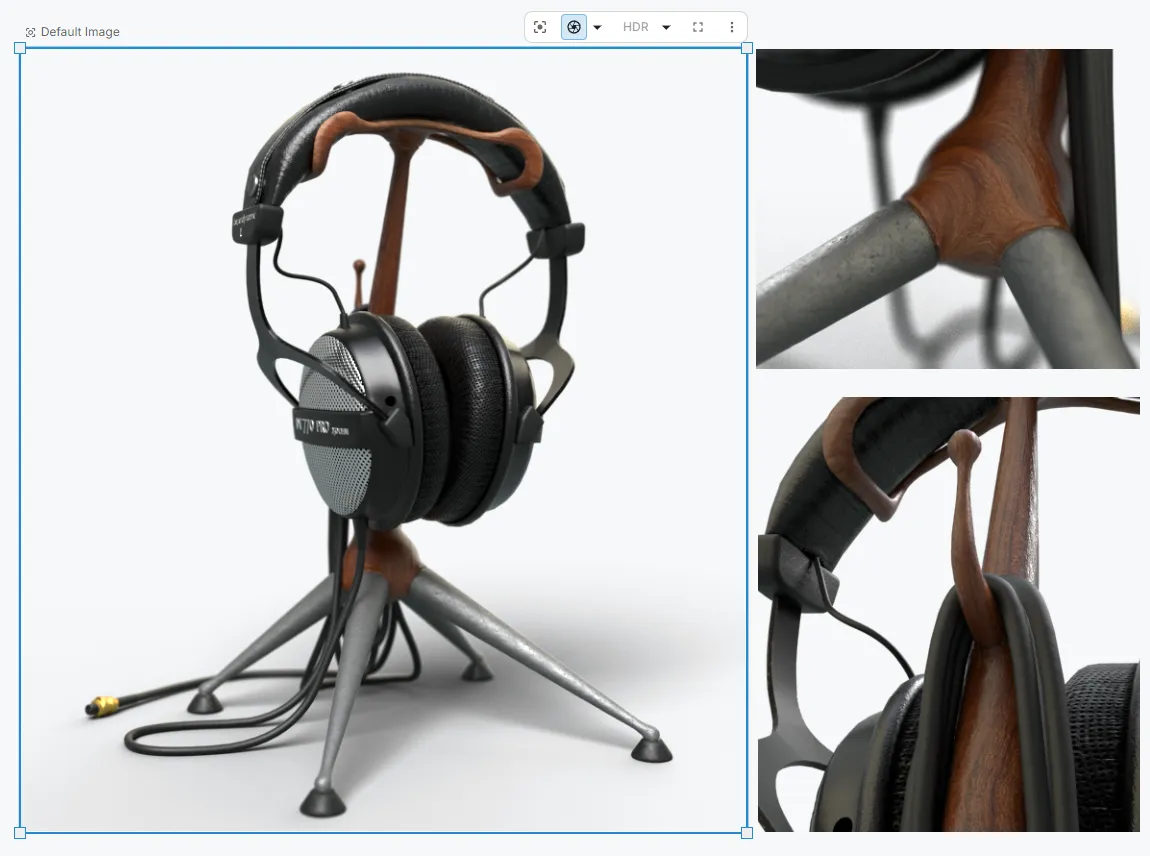
Import an existing product model in a supported format. Start with the geometry you already designed.
Apply materials, adjust your camera, and explore lighting in the real-time renderer. Use the AI assistant to help with scene changes.
Refine a hero angle or a material detail. Use local rendering or cloud rendering, then bring the visuals into your presentation and review workflow.
Your first scene should answer a real design question. Pick a model and a material or view you need to communicate.
Supported formats include STEP, Rhino, FBX, glTF, OBJ, STL, 3MF, DXF, and USD. For a critical workflow, evaluate a representative file to check its materials, scale, and assembly structure.
No. Rendering uses the geometry, materials, camera, and lighting in your 3D scene. AI image generation can explore a different visual direction. Choose the approach that fits how the image will be used.
Figurement runs in a browser, with real-time rendering using your device’s graphics hardware. Performance varies with the device, browser, and scene complexity. Cloud rendering is available for final output.
Yes. Starter includes three scenes and local rendering. Team adds unlimited scenes and monthly cloud-render and AI credits. See current pricing for the full allowances and trial terms.